Personal Portfolio Website
UX/UI, Interaction Design, Figma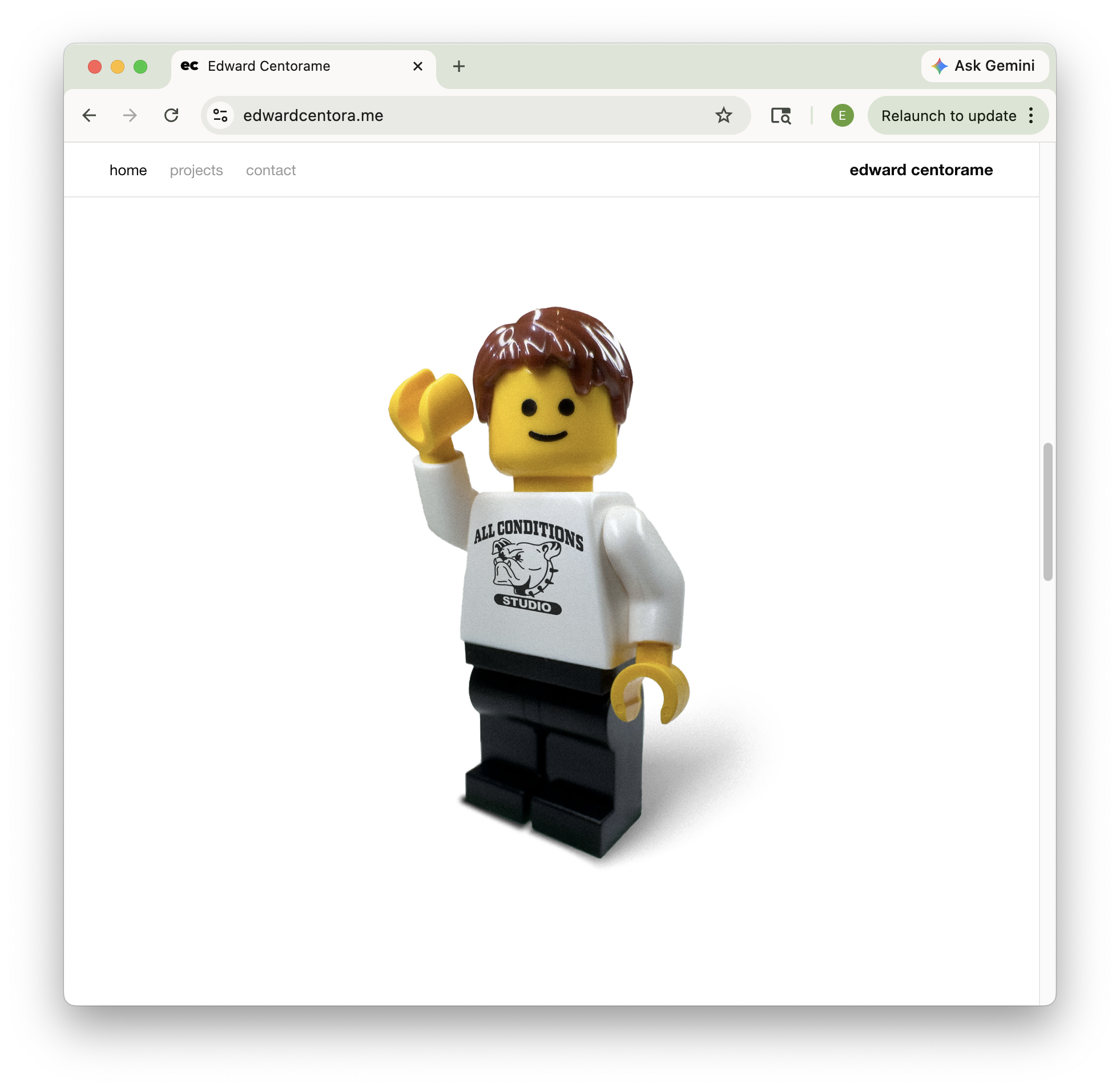
Goal
I outgrew Adobe Portfolio's constraints and needed full control over layout and interaction design. The solution: design in Figma, develop with AI-assisted tooling, deploy via Vercel.
The Landing Sequence
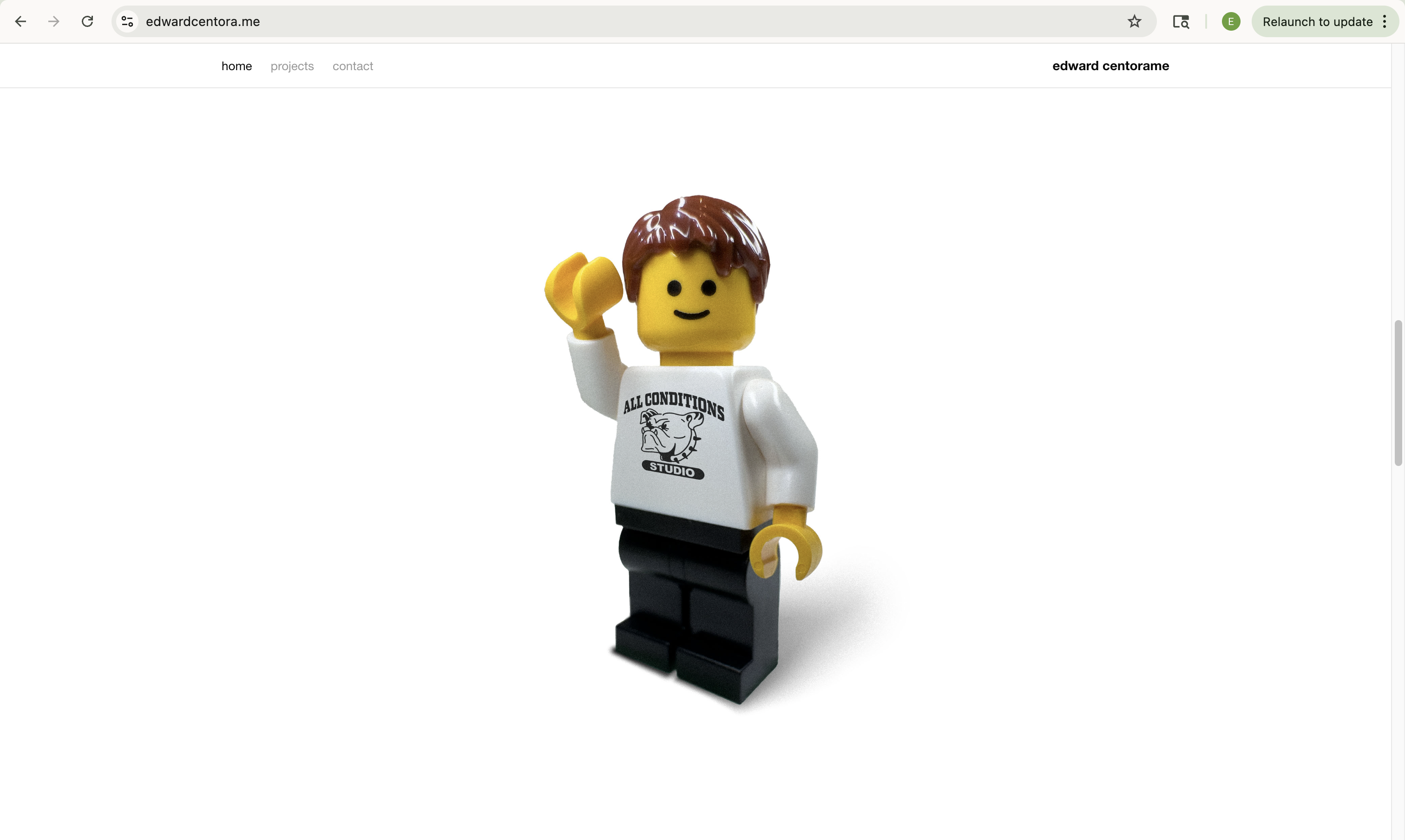
I built the project navigation and pages first as a straightforward portfolio. Once the site was functional, I realized it needed a moment before the work that says who I am and welcomes the visitor onto the page.
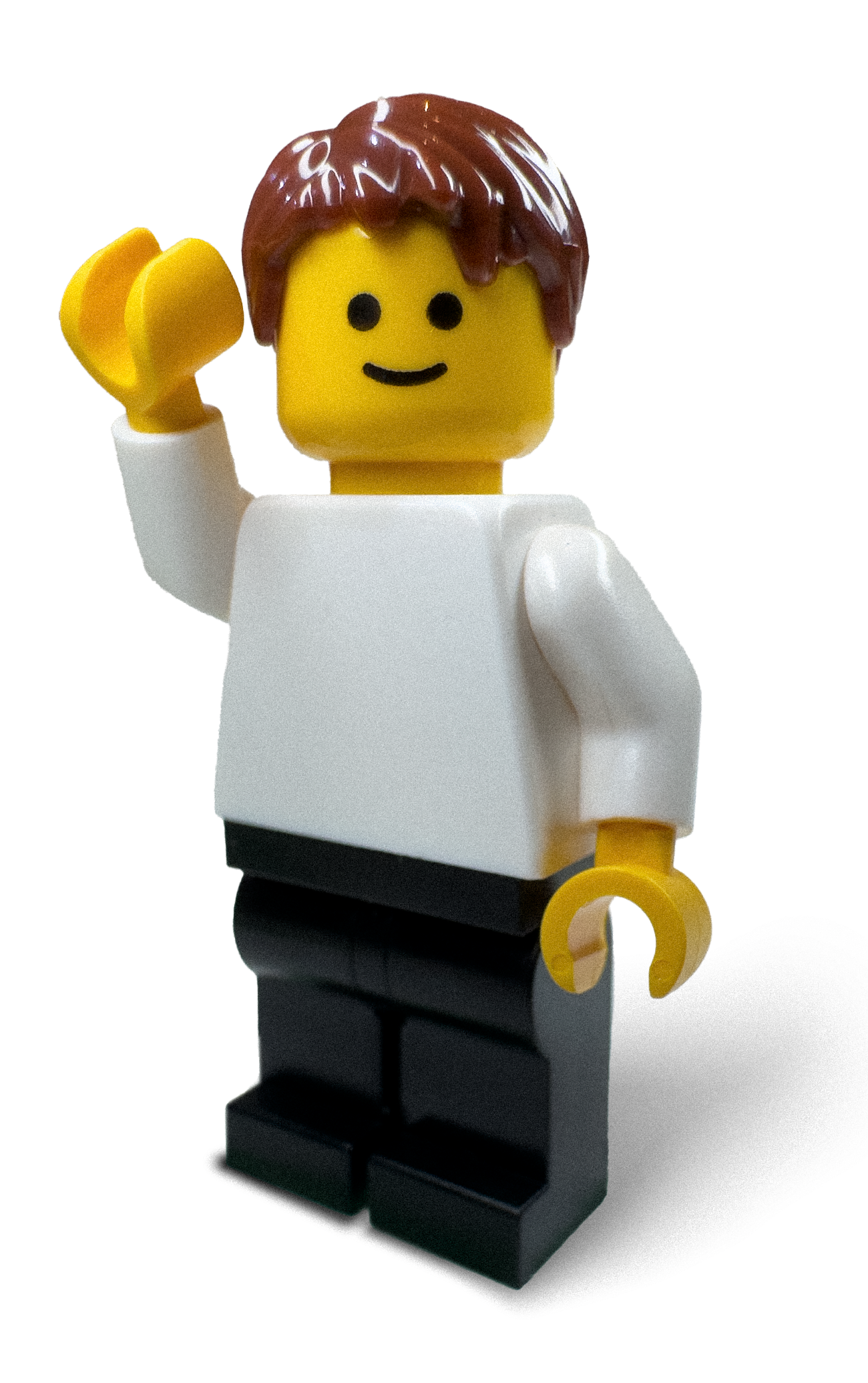
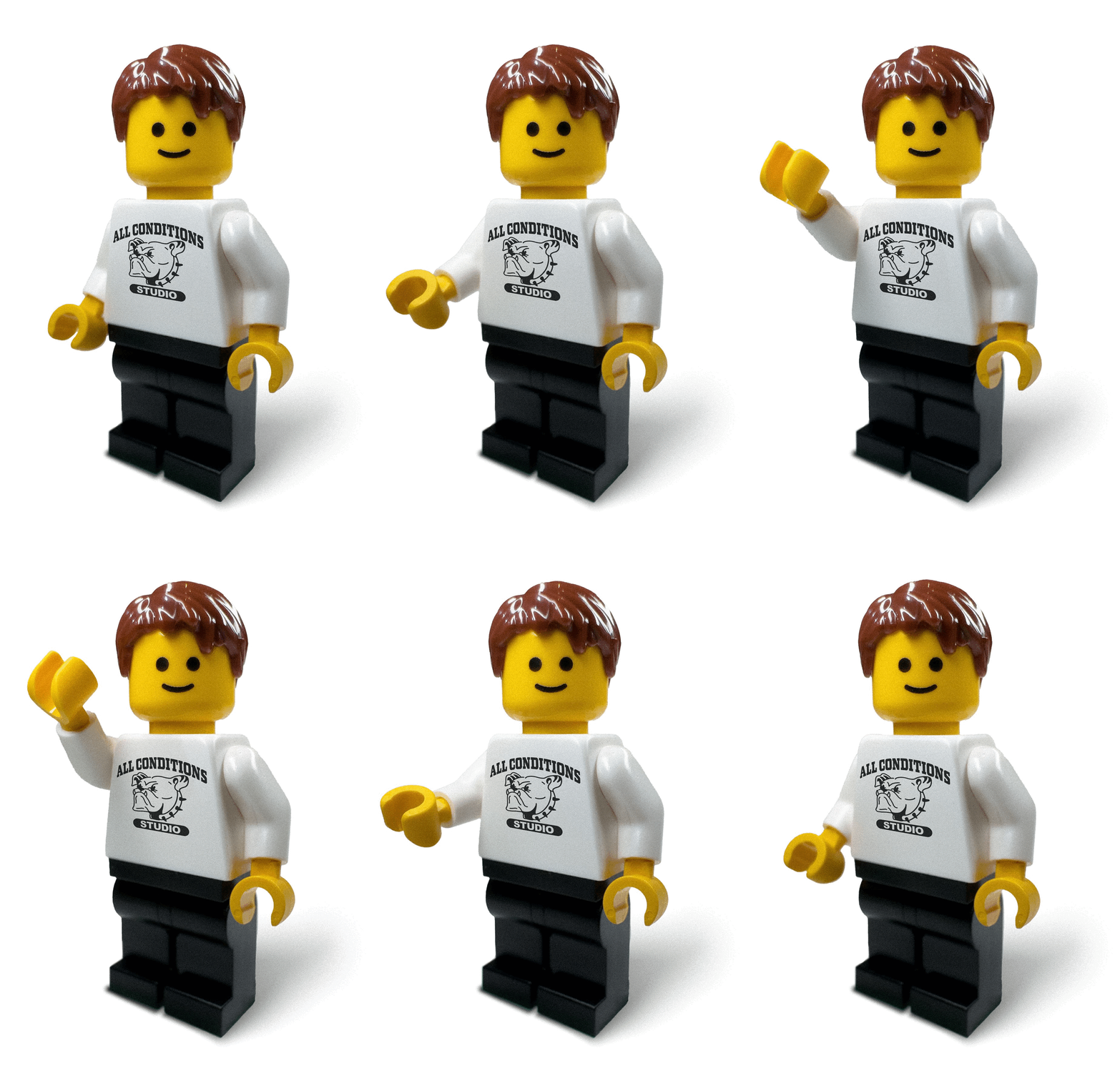
Animating the Lego minifig came to mind immediately — it's a symbol of ubiquitous design that I use to represent myself online often. The custom graphic on his shirt is there to remind you this isn't Lego.ca.
Production Process
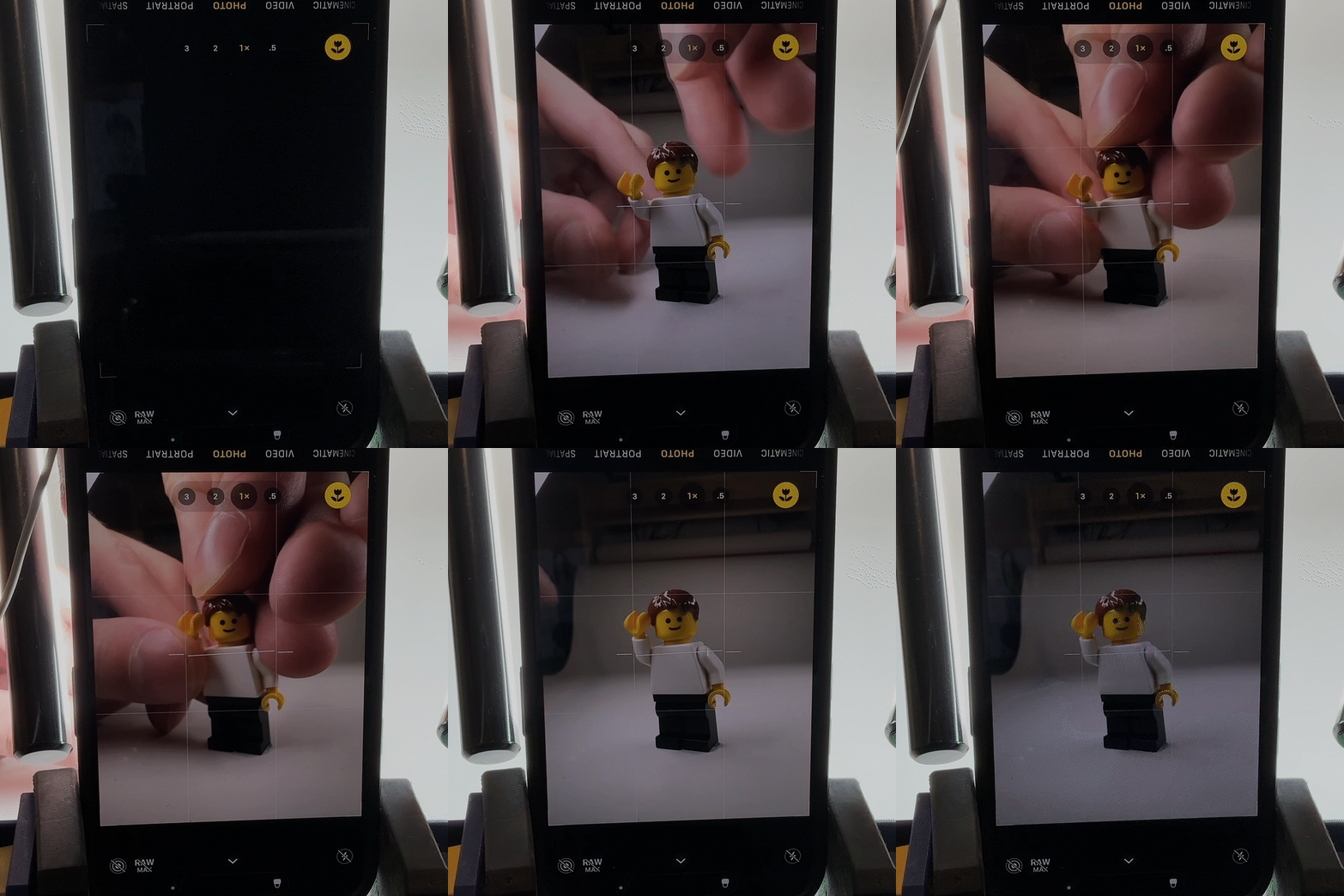
I shot a stop-motion sequence of the minifigure on a white backdrop, then added the shirt graphic to each frame in Photoshop. From there, I sketched interaction flows, built keyframe mockups in Figma, and prototyped the animation timing and UI behavior before implementation.
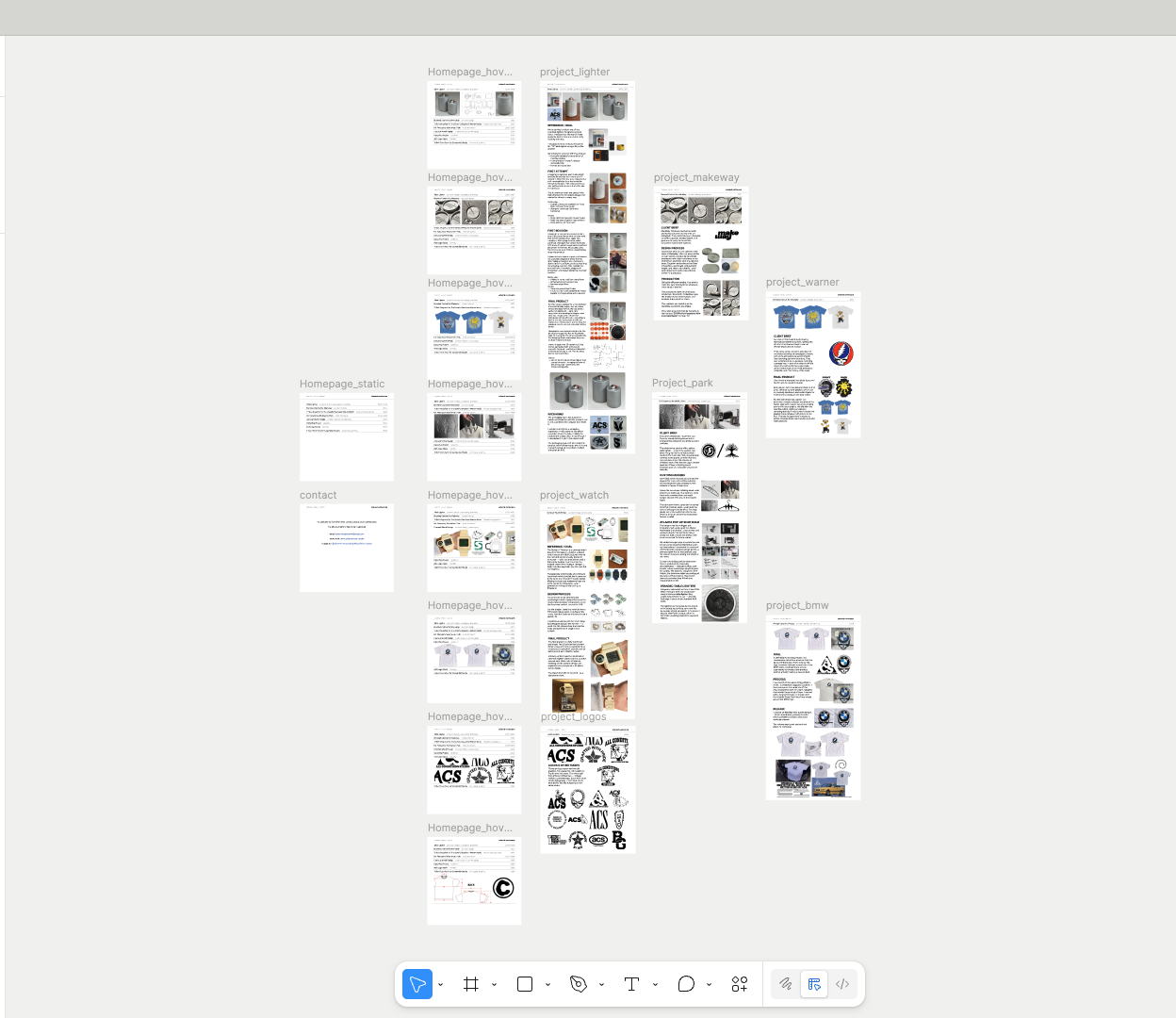
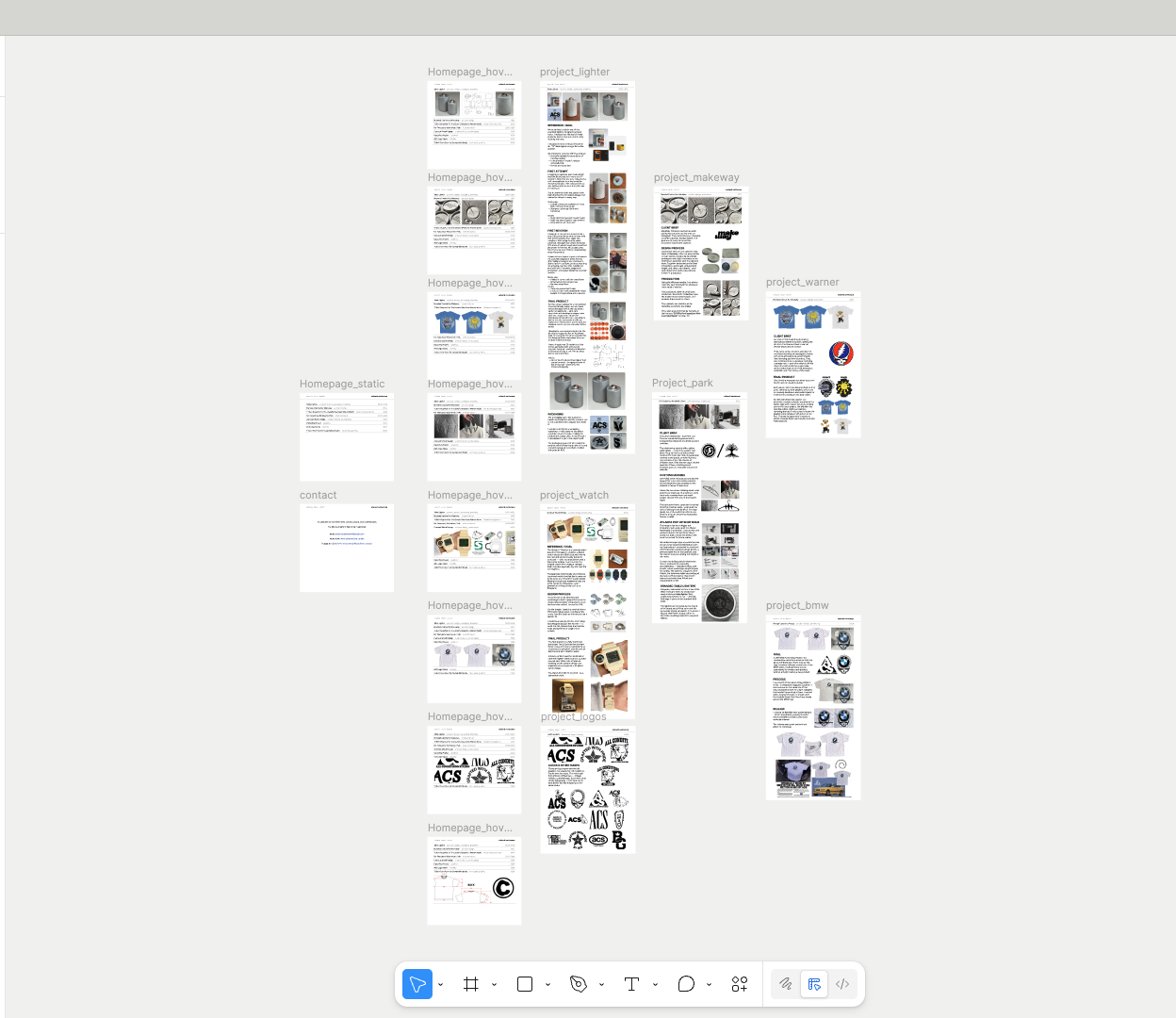
The Figma file holds the full site structure: design system, interactive project menu, adaptive page layouts, and responsive breakpoints across all screen sizes. The design translated directly into production through a design-to-code workflow.
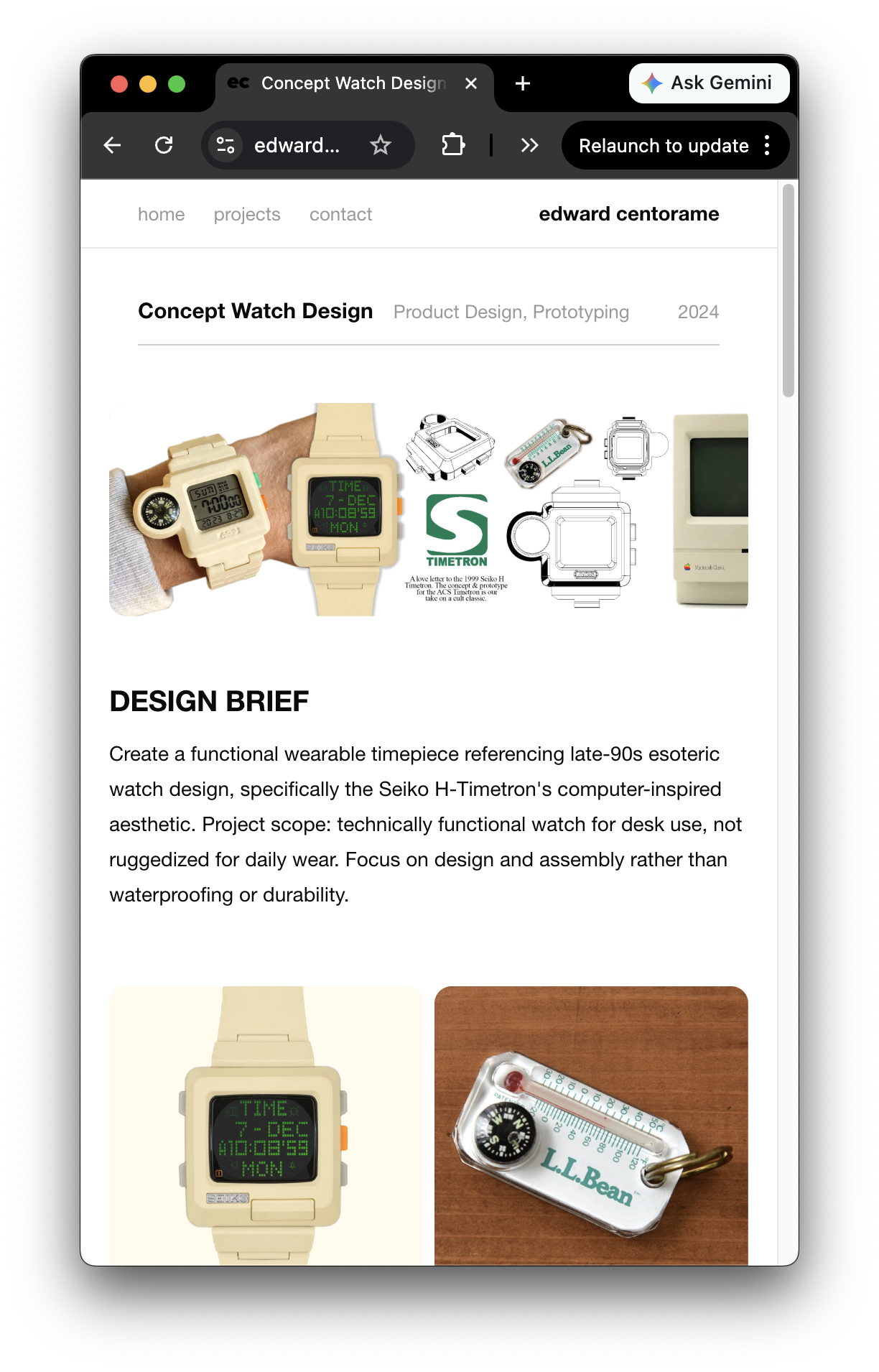
Using the domain — edwardcentora.me — was the last detail I added to the site.
- Stop-motion photography and motion design in Photoshop and Lightroom
- Interaction design and prototyping in Figma
- Design systems and component library development
- Responsive layout design (mobile, tablet, desktop)
- Animation timing and micro-interactions
Outcome
A portfolio site that reflects my design philosophy and shapes how my work is presented. Full creative control, refined interactions, fast iteration cycles, and a workflow that lets me focus on design without code constraints.
Have a comment on my website?
I'd like to hear it!